Lesson 4: Hard Disks
Chapter 4 study guide: quick notes, multiple-choice check, and short written answers.
1. Quick notes
Annotate and print
Use the tool bar at the bottom of the screen to highlight text, draw, and add sticky notes or text on top of these notes. Then save a PDF with or without your marks.
In the print window, choose "Save as PDF" as the destination. Chrome or Edge gives the best result.
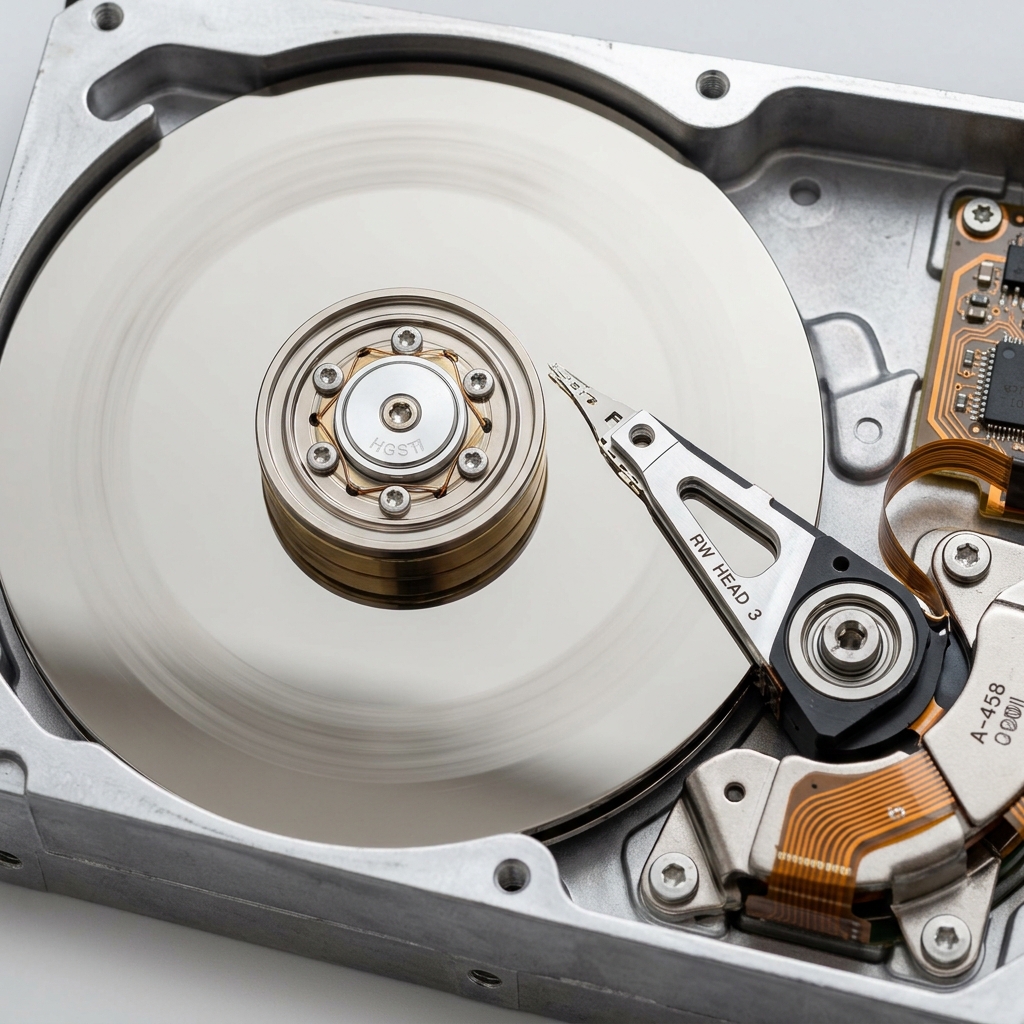
Hard Disk Drive (HDD)
- Uses magnetism to store data on spinning disks (platters) coated with magnetized metal grains.
- A read/write head moves across the surface while platters rotate at 5,400 to 15,000 RPM.
- Speed: Around 100 MB/s. Connects via SATA cable.
- Disadvantages: Slower data transfer due to moving parts, easily damaged by bumps or temperature changes, bigger/heavier, and uses more power/makes noise.
Solid-State Drive (SSD)
- No moving parts. Uses flash memory (tiny cells holding electrical charges as 1s and 0s) to store data electronically.
- Speed: Around 500 to 600 MB/s (SATA SSDs).
- Advantage: Fast access speed regardless of data location.
- Disadvantage: Limited write cycles (10,000 - 30,000 times) and more likely to lose data after years of inactivity when powered off.
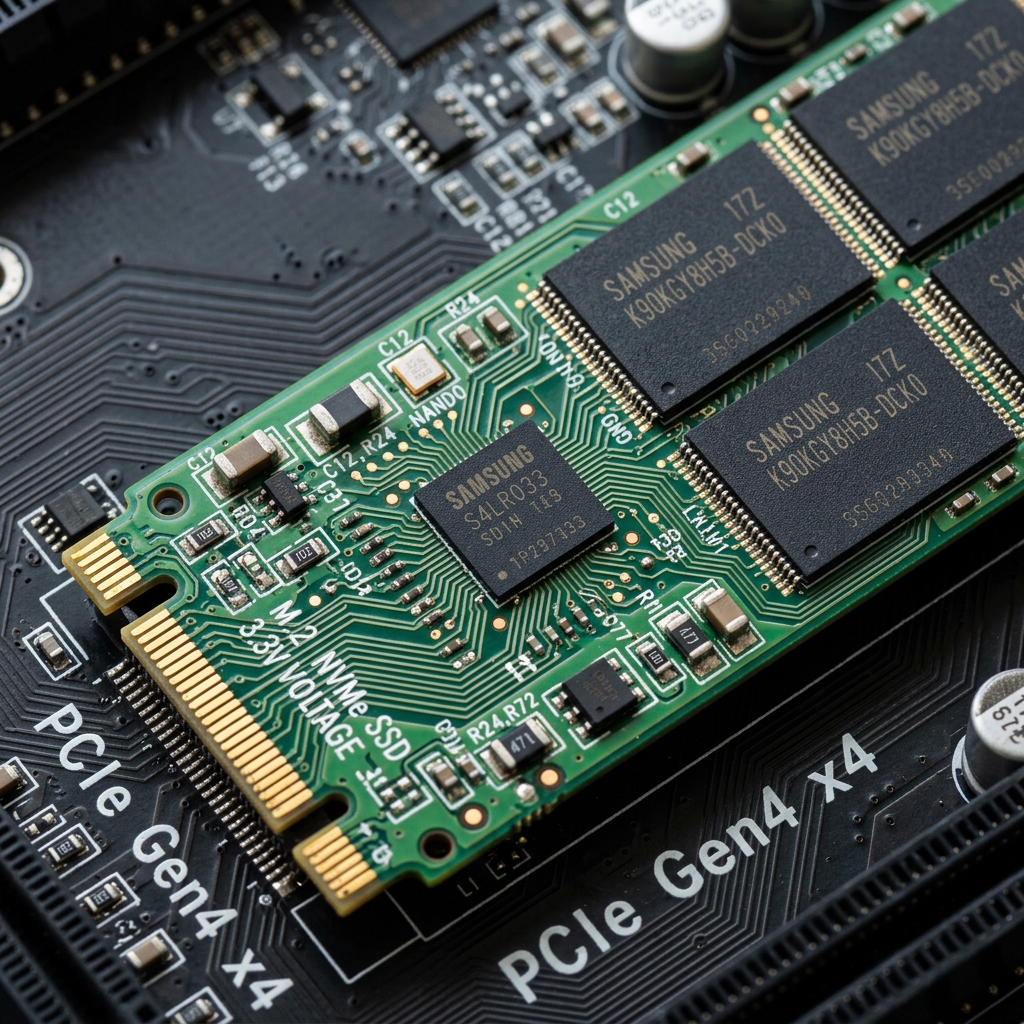
NVMe (Non-Volatile Memory Express)
- A modern storage technology designed to maximize SSD performance by using the PCIe (PCI Express) interface instead of SATA.
- Connects directly to the high-speed bus on the motherboard alongside the CPU and RAM.
- Parallel Communication: Can handle multiple data requests simultaneously, leading to much higher performance.
- Speed: Around 4,000 to 7,000 MB/s (and up to 32 GB/s on newer models).
- Installs directly into an M.2 PCIe slot on the motherboard, or via a PCIe Adapter card if the motherboard is older.
File Systems Overview
A file system organizes, stores, reads, and manages data on storage devices. Key functions:
- File Organization: Hierarchical structure using directories.
- Storage Management: Manages physical storage locations.
- Security: Protects files via permissions and encryption.
Common File Systems
- NTFS: Used by Windows. Features automatic fault tolerance (repair), specific local permissions, and individual file compression.
- FAT32: Older, cross-compatible file system (works on both Mac and Windows). Keeps a backup copy of the FAT.
- APFS: Apple File System, optimized for SSDs.
How the FAT File System Works
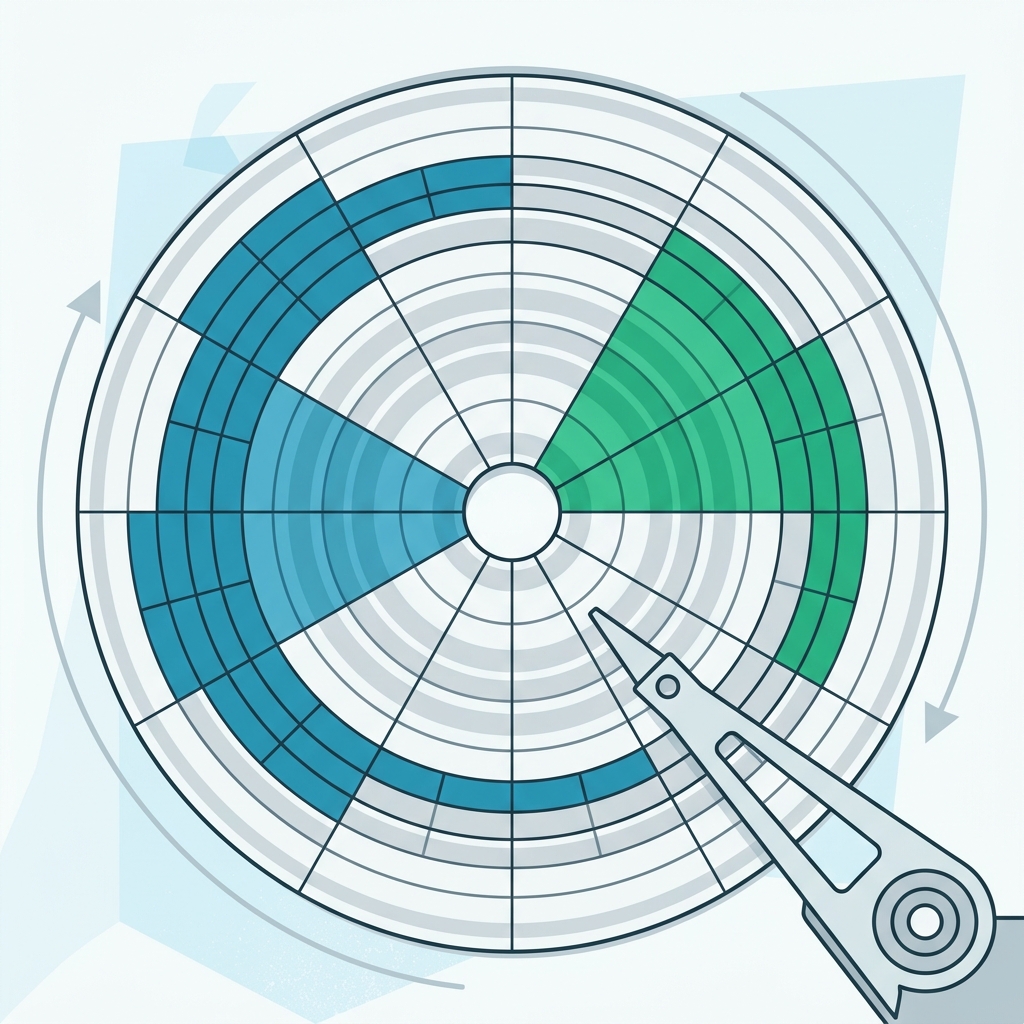
The disk is divided into small, equally sized units called blocks (or sectors) (typically 512 bytes to 4 KB). The FAT tracks each block:
- Free (0): Available to store data.
- Occupied (1): Already used by a file.
- End of File (EOF / -1): Marks the last block of a file.
When saving, the file is broken down and written into empty blocks. The FAT entry points to the next block, creating a chain. When reading, the OS looks up the first block and follows the chain until the EOF is reached.
Partitioning & Formatting
- Partitioning: Splitting a hard disk into separate, independent sections (like C: for OS, D: for Data). Helps keep personal data safe if the OS needs reinstalling or allows multiple OSs.
- Formatting: The process of creating the file system on a partition. Formatting deletes all files on the drive. You must format a partition before you can use it.
MBR vs GPT & Recovery Partitions
- MBR (Master Boot Record): Older scheme (512 bytes). Contains the boot loader. Windows creates a 50MB system partition.
- GPT (GUID Partition Table): Modern scheme. Expands on MBR. Windows creates 3 system partitions.
- Recovery Partition: A hidden partition containing the factory OS image (accessible via a special key like F11). Deleting it saves space but removes the ability to auto-reset.
HDD Tools & Maintenance
- Windows Disk Management: Built-in utility to view disk info, create/resize/format partitions, and check health.
- Defragmentation: Groups scattered file blocks sequentially to improve speed. Beneficial only for HDDs; does not affect SSDs.
- Disk Cleanup: Deletes temporary internet and system files to free up space.
- Data Recovery: You can use tools (e.g., EaseUS, Disk Drill) to recover deleted or formatted data if the drive is functional.
- Data Destruction: Software can securely wipe a hard drive by repeatedly writing and deleting random data, making it impossible to recover.
2. Multiple-choice check
Pick an answer to see right or wrong straight away, with a short explanation.
3. Short written questions
Try to answer in your own words first, then open the model answer.